Tool addonA dedicated tool aiming to do a single focused job very well.
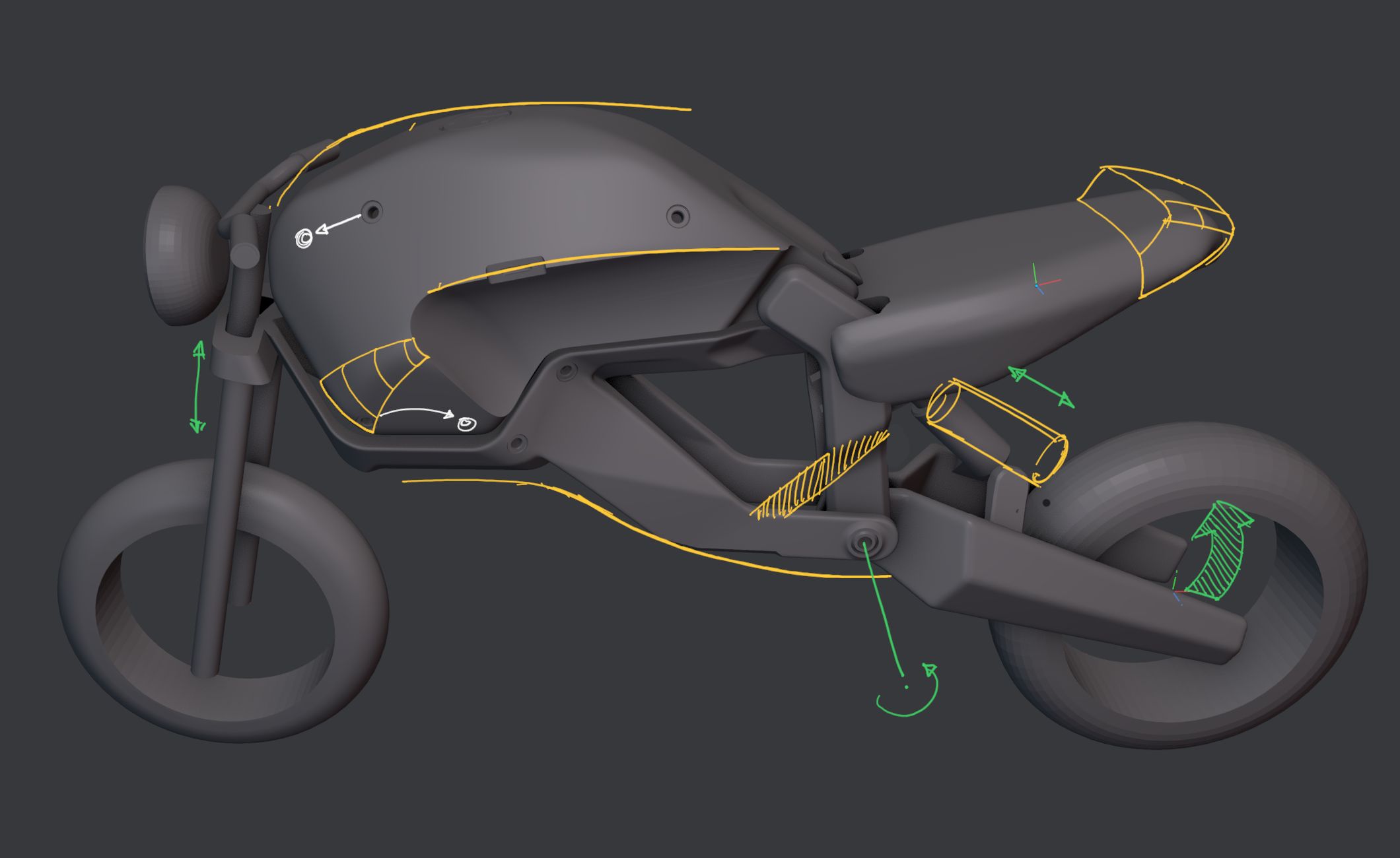
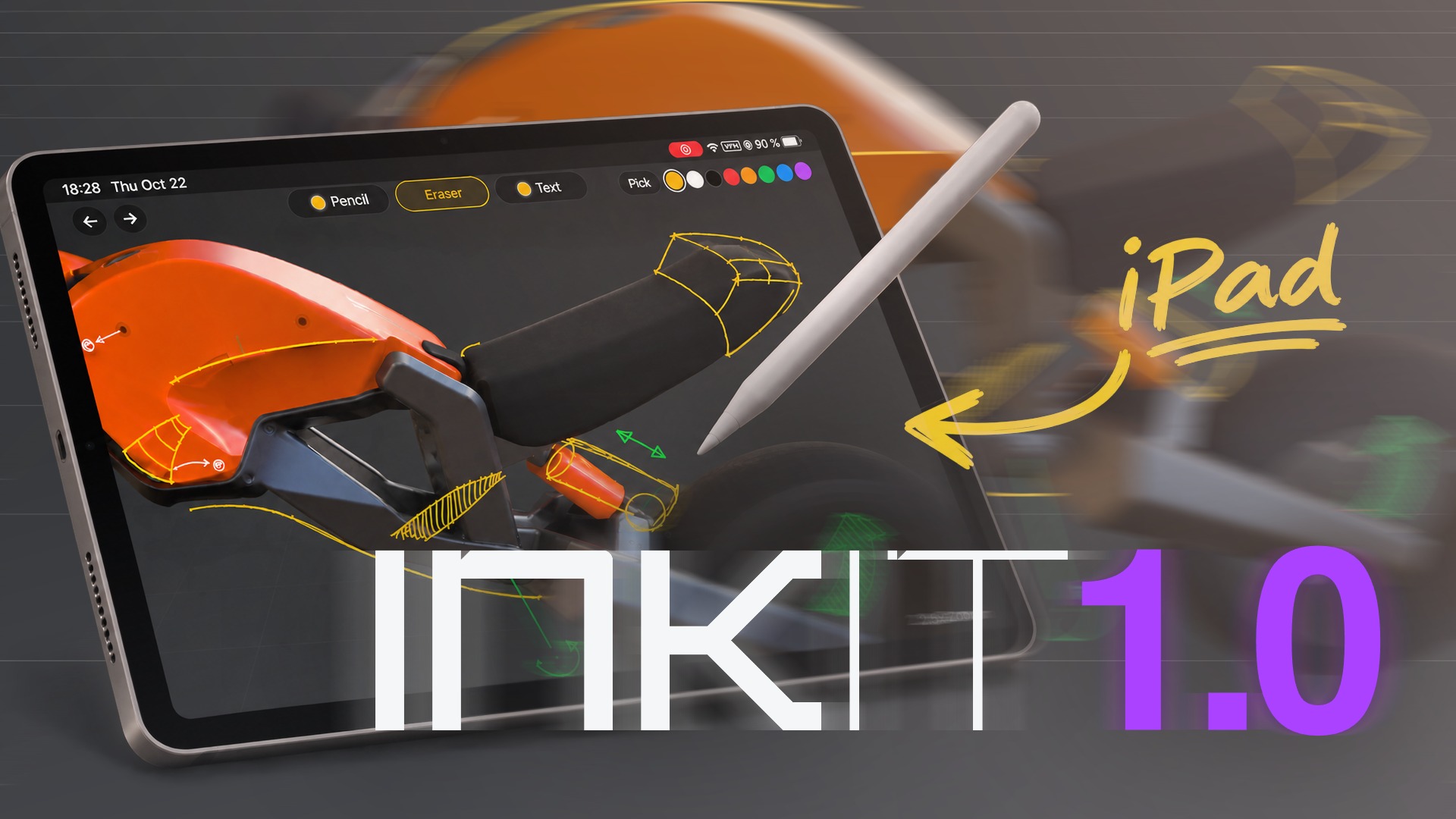
INKit lets you annotate or paint on a 3D View in Blender from an iPad with Apple Pencil, or from an Android tablet with an active stylus.
Keep in mind
A tablet computer with an active stylus is required. Graphics tablet support inside Blenderis coming in 1.1. A capacitive stylus fakes a finger and will not work.
tablet
Annotate, Sketch and Think in 2D
Going 3D blind means you get stuck, you struggle to evaluate things and make progress at a snail's pace. You are orbiting the model endlessly and getting nowhere. Switching the medium to 2D is a powerful and proven approach to get unstuck again.
A different toolset forces you to think differently, and trying out ideas in 2D is just so much faster.
tablet
Plan, Review and Leave Reminders
Leave notes for yourself or others, review your choices and plan ahead.
tablet
Paint Blockouts
Quickly block in major shapes and compare different variations by duplicating and switching canvases.
tablet
Stay in Blender
There's no need to screenshot, transfer or juggle files, or switch to a painting app. Pick colors from anywhere on the canvas to sketch out quick ideas. Your ink stays in Blender and is saved in your .blend file.
tablet
In Your Words
Easily create text annotations via the tablet's keyboard, in different colors and sizes.
Blender
Canvases
INKit captures 3D views with their shading settings and stores them as canvases, which keep your annotations and sketches organized, like a shelf. Each one is also a capture in time.
Blender
Hyper Pencil
Use the Hyper Pencil tool in Blender to easily and visually select, create, duplicate or remove your canvases and notes.
Blender
No Annotation Hiding Necessary
Ink appears automatically and exactly when you need it and where you need it only.
If you are already sketching next to Blender and switching back and forth, perhaps in Procreate or similar, you can now do at least a part of that in INKit, with a much more direct connection to your 3D work, where the sketches live in your .blend too. No additional apps, no files either.
Going 3D blind
You are orbiting the model endlessly and getting nowhere. You are stuck, you struggle to evaluate things and make progress at a snail's pace. Switching the medium to 2D is a powerful and proven approach to get unstuck again.
Breathe new life into a tablet you are only rarely or not at all using
Any iPad or Android tablet will work, as long as it has an active stylus and can connect to the same Wi-Fi. You don't even need to install anything on it.
Annotations with the Right Context
Notes in INKit show up exactly where and when you need them, and they never lose the context they were created in. They are deeply linked with their canvases, which keep them organized, so you never need to hide or unhide them yourself either. It's automatic. Pick the canvas and the notes are there.
Annotate the 3D View from your tablet.
Get INKit. Draw on a Blender 3D View from an iPad or an Android tablet.