Reverse
shortcut yr in edit curve mode, and depending on your menu keymap
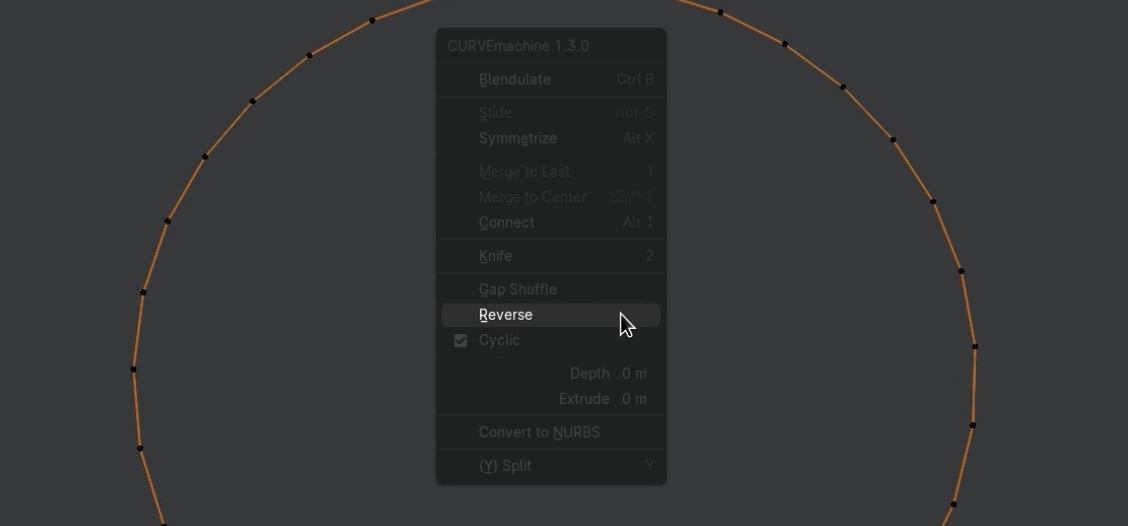
The Reverse tool, accessed from the CURVEmachine menu, reverses the direction of the active spline.
It has the same effect as the Blender native Switch Direction tool, but is more conveniently accessed, and visualizes the result, without having to enable
atrociously ugly curve normals.
Note
Reversing a spline's direction is useful when using asymmetric object profiles, or when using a curve as a path for animation.
Selection
- active POLY or NURBS spline
Using Reverse
Reversing a spline's direction also flips its profile (if used)
Tilt Preservation
As of version 1.5, when the curve or individual points are tilted, Reverse visually preserves the bevel/profile orientation by flipping or compensating tilt for the reversed direction.
Previously reversing used to twist the visible profile even when the per-point tilt values were stored and maintained correctly.
Gap Shuffle does the same when moving the cyclic gap - together they keep tilted bevels and profiles looking right after either operation.
Reverse and Gap Shuffle now visually preserve (flip or compensate) tilt